Vint Video Interpolation and Temporal Upscaling


Higher framerates are more important than ever because when screen sizes
increase, displays get brighter, and videos have more action and movement, the
same framerate can make movement becomes harder to follow and produce more
perceived flicker.
Interpolation helps to mitigate the flicker, choppiness, and distracting image separation artifacts created by low framerate video sources.
Learn more about how temporal upscaling works on blurbusters.com/framegen.
Vint can now be downloaded from itch.io and Steam
Vint's documentation explains how Vint's various functions work: willse.me/vintdocs
Vint allows the user to control exactly how much they wish to smooth their video. You can interpolate at 1.5x the input rate to preserve the 'cinematic' effect of traditional framerates while ameliorating the worst of the flicker with bright HDR content on big screens. You can also interpolate to 120, 480 or more FPS to create the smoothest output possible.
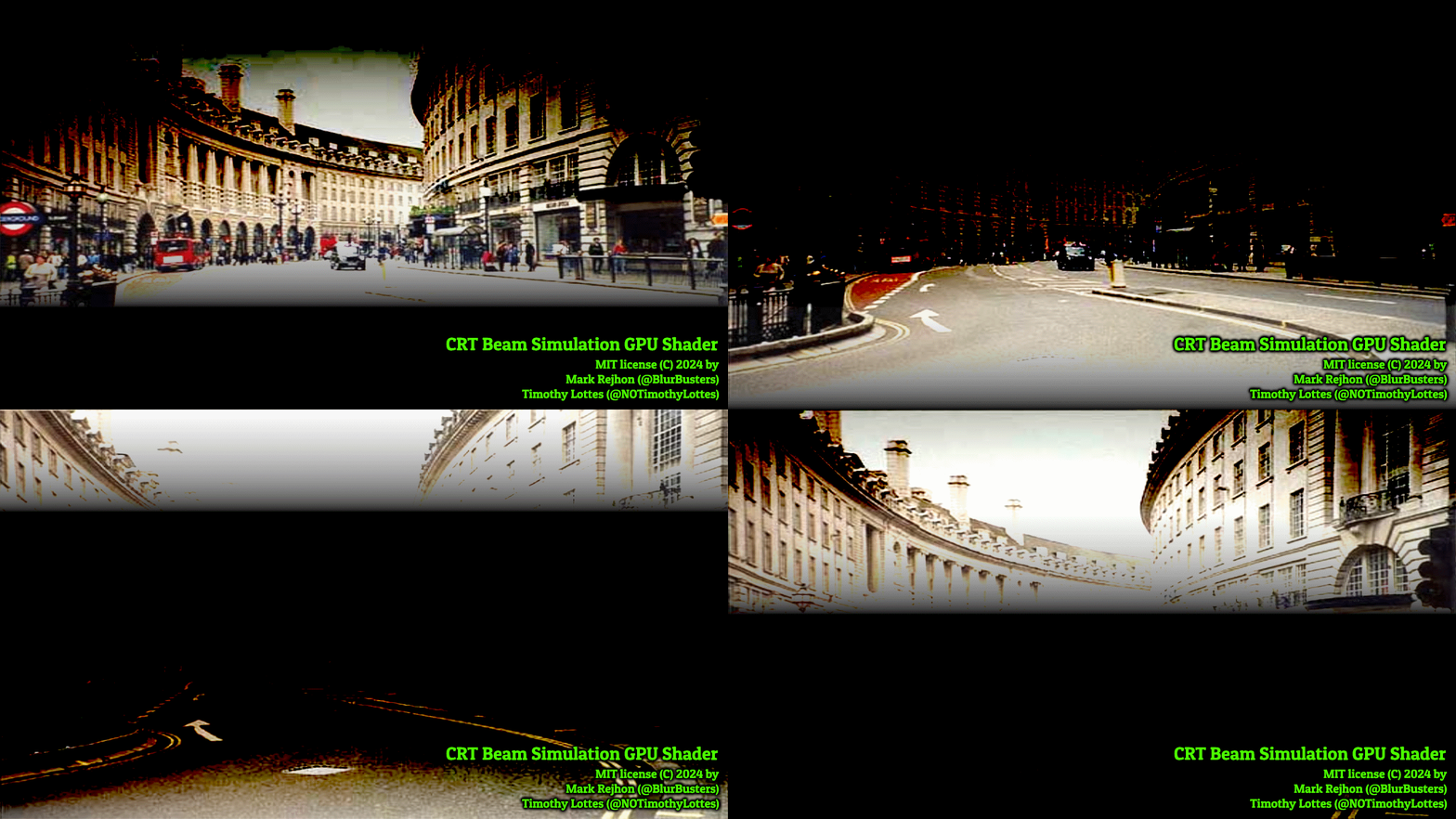
Learn more about CRT emulation on blurbusters.com/crt.
Vint allows you to interpolate on the fly in realtime or to upscale videos for future playback. Offline video upscaling allows the output video to be played back on weaker or unsupported systems or for higher resolutions or output framerates than would otherwise be possible. Interpolation also allows for the creation of slo-mo videos from regular framerate recordings. The high fidelity output of RIFE makes this a great option for video editors. Do be aware that RIFE is computationally heavy. In order to run well in realtime, Vint uses Nvidia's tensor core acceleration found on RTX GPUs. This means that Vint requires an RTX GPU to run. Even high end GPUs can be fully saturated with high resolution videos or high output framerates so Vint integrated high quality resolution scaling options.

Because Vint runs in realtime, video capture sources can be interpolated. Approx. 50-100ms added. This allow you to interpolate and upscale video from bluray players, computers, or other video sources.
It's hard to appreciate how high quality the output Vint creates is without trying it so take a look at some of the samples. This is not the low quality and artifact ridden interpolation you might find on a smart TV.
Here is the opening sequence from Baby Driver upscaled to 60 FPS using Vint: https://www.youtube.com/watch?v=iZLhlFFI0f8
Vint does not require internet connectivity for anything but optional
streaming of web sources. Vint does not use DRM. Vint is licensed for
non-commercial usage. Please contact me at [email protected] for alternative licensing options.
Vint is made to be easy to use while allowing maximum customization. Vint is
based on a variety of open source applications including MPV, yt-dlp, and
FFmpeg that themselves allow extensive control and customization. Vint is
developed and licensed in the United States.
In my opinion, Vint provides the best interpolation experience available while offering unique features like BFI and UVC input. Vint uses the most up to date version of the best interpolation method currently available accelerated as much as possible and is integrated more seamlessly than any alternative.
Vint is now available to download from itch.io: https://willse.itch.io/vint
and Steam: Vint Interpolation and CRT Emulation

No trial?
ReplyDeleteI'm afraid not. Vint has no DRM or usage restriction systems that allow a time restricted trial period. Unlike many other pieces of software, once you own Vint, you control your copy. I can't revoke or change it without your action. Both itch.io and Steam offer limited refunds if the product doesn't meet your expectations.
ReplyDeleteI have released trailers that demonstrate some idea of the quality of the RIFE interpolation like this one: https://www.youtube.com/watch?v=U5lZbp6H6Q0
I hope to put out more example footage in the future.
As for performance, a RTX 3080 or RTX 4060 will be able to interpolate up to at least a 1080p 60FPS output smoothly. That bar is about 200-250 'AI TOPS' based on this chart: https://www.nvidia.com/en-us/geforce/graphics-cards/compare/
500 'AI TOPS' for example should be capable of 1080p 120FPS or 1440p 60FPS output.
I hope this provides some mitigation to your concern. I would be happy to answer any specific questions or concerns you want to address before purchase. Either here or to my support email which is [email protected]
how do i use this program? ive bought it on steam but when i add to queue then press play nothing happens?
ReplyDeleteHi,
DeleteThanks for using Vint!
You need to make sure you add to the 'realtime queue' as opposed to the 'offline queue'.
Once you've added to the realtime queue, you press 'play from realtime queue' in the upper left.
Alternatively, you can press 'play' on the video itself in the queue.
This will launch an MPV window and a commandline window running trtexec.exe
Once the commandline window finishes optimizing tensor performance in about 30 seconds, the video will play.
Once it's playing, you can the 'Currently Playing Video Information' in the mid left of the Vint UI which will tell you what is playing and what the upscaling configuration is.
Please let me know if there are any issues. Feel free to contact me at [email protected] and I will try to help troubleshoot any issues.
You can also read more about how to use Vint at https://www.willse.me/VintDocs
Hi, William. Learned about your software through Blur Busters and wanted to check it out. You mentioned Vint has no DRM. Does that mean if I purchase it from Steam, I'll still be able to run it directly from its executable, offline, even with Steam not running in the background? If so, that's great news, and I'll make sure to buy it ASAP.
ReplyDeleteHi EeK, Thanks for your interest.
DeleteNo DRM means exactly as you say. Vint is entirely free of any DRM restrictions or online requirements. It's also fully portable and can be run from any directory as long as C++ redistributables and drivers are installed.
Steam is simply a distribution and updating tool that allows you to download a few MB patch rather than the full app when I publish my regular updates.
I hope you enjoy.
This piece of software really caught my eye. I have a Samsung S90D with terrible terrible motion handling, it's so bad to the point that 24fps is unwatchable. My strongest piece of equipment is a 4060 mobile on a laptop, would it be possible to improve the motion of high bitrate Blurays with it? In another comment you said the 4060 is enough for 1080p60, is that in real-time? Would my gpu suffice to get most intense workloads done in less than 2 hours or so?
ReplyDeleteHi! Thanks for your interest in Vint.
DeleteSo, a 4060 desktop should be capable enough to at least take 1080p 24fps to 48fps. I do not have the hardware so I'm unable to test this exact config.
Unfortunately, the 4060 laptop is far weaker than the desktop. I would still expect it to be possible to interpolate 720p 24fps up to 48fps in realtime on that as long as it's plugged in on a high power/performance setting. Power settings are very important on laptops.
With offline transcoding, Vint is largely limited by the encoding speed of the CPU. CPU encoding is far higher quality and doesn't interfere with GPU tasks. On a balanced gaming system, offline transcoding with Vint results in the interpolation portion of the work being about 3 or 4x faster than the CPU encoding portion. A modern Intel i7-14700HX properly cooled and in a performance setting should be able to encode between 1/5th to 1/10th of realtime for 1080p 48fps video on a balanced encoding setting.
I know that's not as simple an answer as you may have wanted to hopefully it gives you a better idea of what to expect. I will note that because interpolation works on uncompressed images, even downscaled resolutions like 720p from 1080p or 4k sources can look surprisingly good.
Please let me know if you have any other questions. Steam offers a refund policy so if Vint doesn't work the way you want you will be made whole.
Thank you very much for your reply!
DeleteAre you sure the 4060m is that much weaker? The 140W perform near identical to the desktop counterpart in games at least . Both have 96 tensor cores, I think they're probably at lower clock speeds but I don't think they're that much different.
Say I want to encode a 2 hour 4k24fps movie at roughly 60mbps bitrate, would that be feasible in a reasonable amount of time? I know you don't have my exact hardware but could you give me a rough estimate in hours?
Also do you by chance have a more worst case scenario clip with fast movement? My TVs interpolation is fine for slow paced movement but it becomes unusable during fast movements. If you do have a clip I'd like to see how Vint holds up in comparison.
And last question, do interpolated videos have a larger file size? If so by how much?
I would expect the 4060m to be quite a bit weaker despite relatively similar specs.
DeleteNvidia lists the tensor performance of the desktop 4060 at 242 AI TOPS while the laptop 4060 is listed at 233.
If you're able to consistently cool it and keep your laptop power profile consistently running, you should in theory get comparable performance. Expect temperatures to be high and fan noise to be loud though.
Either way, expect to sacrifice resolution to keep consistent smooth playback in realtime.
Transcoding a video file will be limited by your CPU. You can try transcoding that file using handbrake or a similar CPU encoding tool to get a good idea of what speed you can expect. A decent modern laptop CPU in a high performance profile should probably take care of a 2 hour 4k video overnight. e.g. 8-10 hrs.
Transcoding is necessarily a lossy process and since interpolation is adding additional calculated information, to minimize quality loss, yes the output file should be a larger size. That said, encoding uses temporal information extensively so 2x the framerate should only be 1.3-1.5x the bitrate for the same quality.
Vint provides a CRF slider that essentially allows you to select a level of quality you want and the encoder will use whatever bitrate it needs to achieve that quality. I am working on adding more configuration options as well.
I'm afraid I don't have too many demo videos listed but others have uploaded examples of RIFE interpolation quality on youtube. Vint uses the same upscaling just newer versions, has it integrated into video playback tools, and accelerates RIFE immensely so that it can be used in realtime.
Here's the Baby Driver intro interpolated to 60: https://youtu.be/iZLhlFFI0f8
...and the original 24fps: https://youtu.be/f_PyXkzUw1M
Hello!
ReplyDeleteI have an internal capture device, an AverMedia GC573, that’s not showing up as a UVC Source; a cheapo USB 3.0 capture device that I also own does show up. Is there any way to select the GC573? No issues using it with OBS or MPC-BE, for example. Thank you!
Hi, thanks for your purchase.
DeleteIt looks like I answered your question and helped you solve this when you emailed me at the support address.
For everyone else's reference this is how to force add a video source:
Vint uses DirectShow to ingest UVC sources.
Any devices that appear in this `list_devices` command for FFmpeg should work in Vint.
https://trac.ffmpeg.org/wiki/DirectShow
If you know the specific name string of the device, you may be able to close Vint, replace the text in the `assets\vintGUI.conf` file, then restart Vint and play from the loaded source.
Thank you so much for creating this and implementing the CRT Beam Scanout Emulation!
ReplyDeleteCan Vint run on Linux or MacOS?
How much processing power do you think is needed for interpolation to 30fps + CRT Beam Scanout?
This seems on paper to be the best way to achieve clear motion while keeping the cinematic look of movies, did you have a chance to test it out? How does it feel?
Thanks!
Hi and thanks for your interest.
DeleteCurrently I have only developed this for Windows but I would like to support Linux in the future. Nvidia's TensorRT accelerator does have Linux support but it's a bit involved to use.
Currently my focus is on adding support for AMD and Intel GPUs.
I don't have good performance testing for 24->30fps (1.25x) interpolation but it will be equal to or cheaper than 2x. By that metric, an RTX 4060 desktop would be able to handle 1080p with ease and an RTX 4090 desktop can chew through 4k. 5000 series GPUs would be faster.
I would recommend buying on Steam to test if the performance meets your expectations and using their refund process if it's insufficient.
I will note, low multiplier interpolation like 24->30fps is an effective way to tune the amount of chop and flicker in a movie. Higher framerates reducing both but removing the 'cinematic effect'. Vint also allows you control that output framerate with granularity, for example, you can interpolate 24->28, 32, 36 or whatever arbitrary framerate target you want and it supports VRR so your display can show it without judder.
There is a brief example of 24->30fps interpolation in the Vint trailers but I can upload a longer sample if you like. (You can also download the 60fps sample and skip every other frame in a video player https://youtu.be/iZLhlFFI0f8)
Vint does not currently support simultaneous interpolation and CRT beam emulation so you have to chose which solution you want to use at a given time. This is not a fundamental limitation of the implementation, if there is demand I can absolutely implement both processes in sequence. In the meantime, you can transcode and interpolate then run realtime BFI or CRT beam emu. on the interpolated video.
I hope that answers your question.
Thanks a lot for your detailed answer! I will definitely buy a copy and try different framerate with VRR.
DeleteI'd love to see the combination of interpolation and CRT beam implemented but I can definitely understand that there are other priorities, especially the use of other GPUs. :)
Can you make it available on hk/china steam? When I try to buy it, it said "currently unavailable in you region".
ReplyDeleteHi, William.
ReplyDeleteI have a technical question regarding Vint. I’m interested in using Vint’s triple-strobe BFI mode for 24p movie playback at 4K resolution, using modern OLED TVs that support a 144 Hz VRR mode. What hardware specifications are required to ensure smooth playback without stutters or dropped frames? Specifically, what level of GPU performance would be necessary?
For clarity, I would be using pure BFI only, with no frame generation, motion interpolation, or any other synthetic frame processing enabled. How computationally demanding would this setup be?
Hi,
DeleteThanks for your interest in Vint. I will say that the core performance factor for BFI as well as CRT scanout emulation in Vint is based on GPU memory bandwidth and to a lesser degree I expect PCIe bandwidth as well.
I answered a similar question on the Blur Buster's forum here which may provide a little insight: https://forums.blurbusters.com/viewtopic.php?t=14435&start=20#p120995
I will say that on an RTX 3080, I get perfect triple strobing BFI on a 23.976 FPS 4k (3840*2160) movie without any frame-drops if I turn down the resolution scaling to 1440p. Running 4k without the resolution scaling does drop frames unless I scale or run double strobing instead.
I do expect there is opportunity for me to improve performance in the future because my performance optimization effort has been focused on the most demanding task which is the ultra high quality interpolation.
I would recommend purchasing Vint if you think it may work for you and testing to see if it matches your expectations. If you're not satisfied for any reason, Steam has a generous return policy.
Hello,
ReplyDeleteI've been having some issues with Vint ever since I've upgraded GPUs (from an RTX 3080 to an RTX 5080, following the typically recommended Display Driver Uninstaller (DDU) approach to swap between the cards).
Specifically - the interpolation no longer works on either offline videos or from real-time device capture devices. When pressing F1 in MPV to toggle the Vint upscaling on/off, within the realtime queue I see errors such as "[vapoursynth] could not init VS," or "Disabling filter vint because it has failed." Strangely, BFI and the CRT scanout emulation do work as expected and produce no such error messages when toggling via F1. So it's only the motion interpolation that's faulty.
There were no registry entries to delete via regedit.exe, and I don't have any other active python instances that could be interfering. Any other ideas you could think of? And would you mind clarifying the "system environmental variables" suggestion you had mentioned? Thank you!
Hi,
DeleteThanks for patronizing Vint.
I believe your issue is related to the fact that the previously trained TensorRT engine runtime caches were built for the Ampere architecture of the 3080 and those are obviously incompatible with the Blackwell architecture of the 5080. I don't currently have a way to automatically invalidate those caches with hardware updates but I can look into it.
The solution is to go into '%Vint_directory%\assets\vsmlrt\models\rife\' and to delete all '.engine', '.engine.cache', and '.engine.cache.lock' but DO NOT delete the '.onnx' files in that same directory.
Once those are cleared, you can simply run again and they engine runtime caches will be regenerated correctly.
Feel free to contact me at [email protected] if there are any further issues.
Interestingly, switching to the 4.26 RIFE model seems to work just fine - for some reason some of the other models aren't working.
ReplyDelete